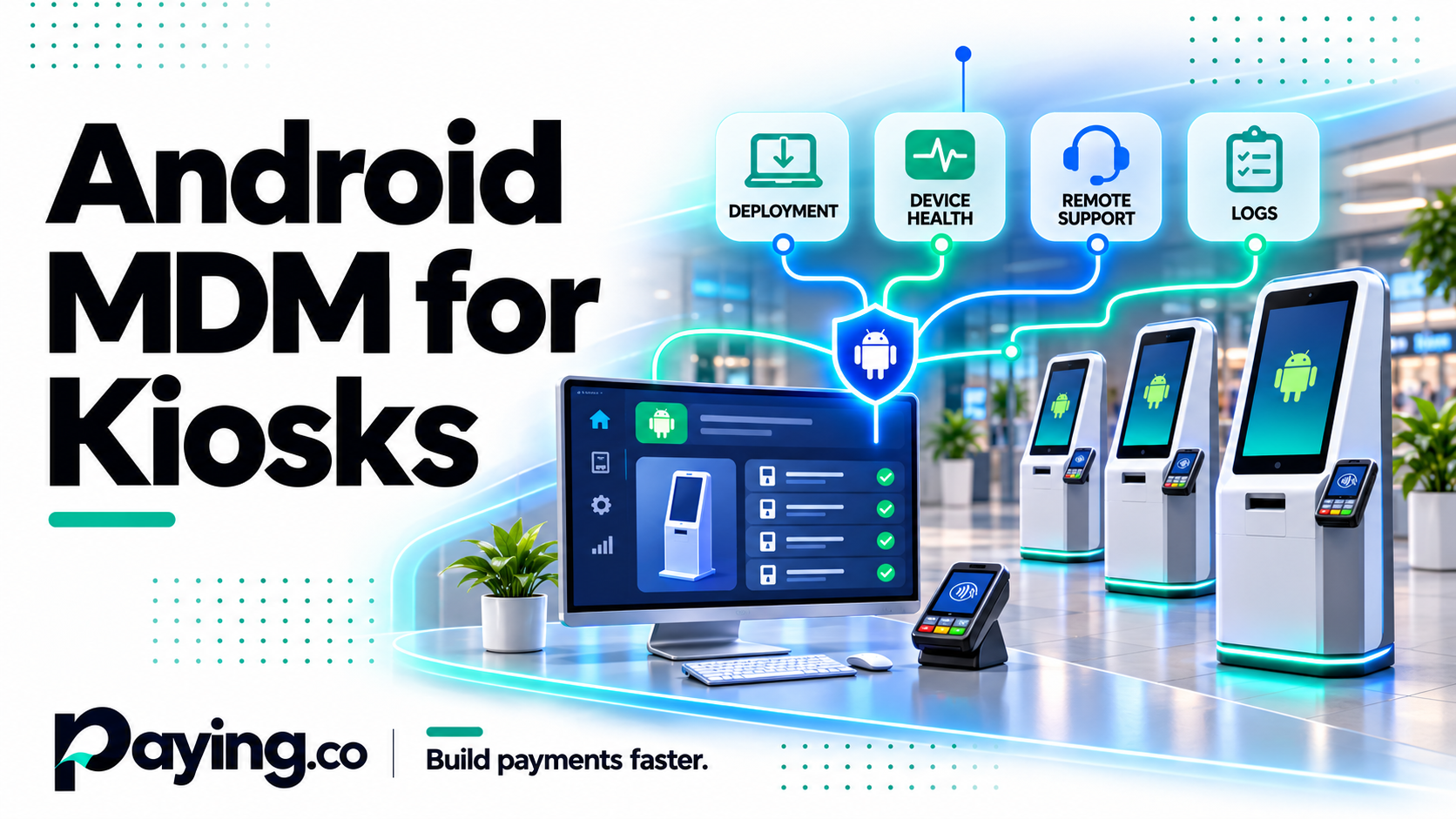
A kiosk that stops working at 6 pm on a Friday is not a software bug. It is a lost evening of sales and a truck roll to fix it. Many failures like that come from how the devices are managed, not from the app on them.
This is where Android MDM earns its place. Here is what it does for dedicated kiosks and payment terminals, and what to check before you pick one.
What Android MDM is
Mobile device management (MDM) is software that lets you enroll devices, put the right apps on them, apply configuration and update them remotely. Android MDM does that for Android devices.
For a fleet of employee phones, that usually means email setup, security policy and app control. For kiosks and payment terminals, the job is different.
Why kiosks and payment devices are different
A kiosk or a payment terminal is a dedicated device. It runs one app, sits in public, and nobody is standing next to it. That changes what you need from MDM.
→ It must stay locked to your app. A customer should not be able to open settings, browse the web or uninstall anything.
→ It must be updatable without a visit. An app fix or a configuration change should reach every device from one console.
→ It must be enrolled quickly. Deploying fifty devices should not mean fifty manual setups.
→ It must be visible. You need to know which devices are online, what version they run and which ones have a problem.
The features that matter
Kiosk mode. The device is locked to one app, or a small set of apps, and the rest of Android is out of reach.
Remote app deployment and updates. You push a new version once and it rolls out to the fleet.
Remote configuration. Settings, Wi-Fi details and policies change from the console.
Scalable enrollment. A QR code or a batch process gets devices set up without hands-on work.
Device status and logs. You can see the state of the fleet and find the device that needs attention.
Predictable pricing. Per-device pricing is easier to plan than tiers you may not need.
What to check before you buy
Your exact device. Payment terminals and kiosk hardware are often specialized Android builds. Confirm that the MDM can manage your model before you commit, and test with one unit first.
Your operating systems. If you manage only Android devices, a focused tool may be enough. If you also manage iOS, Windows or macOS, a broader platform may fit better.
Minimums and billing. Some platforms have a minimum number of devices or bill annually only. A small pilot fleet can be affected by that.
How you test. A trial or a small first batch lets you check enrollment, kiosk mode and updates on your real hardware.
Where Castum fits
Castum is our Android MDM for kiosks and payment devices. It is Android only, which keeps it focused. Pricing is $1.25 per device per month billed annually, or $1.50 billed monthly, sold in batches of five devices. You enroll devices, lock them into kiosk mode, deploy apps and updates, and watch the fleet from one console.
If you manage several operating systems, or you need features beyond kiosks and payment devices, a broader platform may be the better choice. We compared Castum with three of them in a separate post.
→ Read the full guide: https://paying.co/guides/android-mdm-for-kiosks/
→ See Castum: https://paying.co/castum/
→ See pricing: https://castum.co/pricing
Questions to answer first
Which device models will you manage, and can the MDM enroll them?
Will the devices run one app or several?
How many devices will you have in six months?
Do you need anything other than Android?
Who will handle enrollment and field replacements?
Answer those and the choice usually becomes clear. If you are planning a kiosk or payment device rollout and want a second opinion on the setup, talk to us at https://paying.co/contact-us/.

Software executive with over three decades of experience. Focus primarily on the payment industry and FinTech technologies