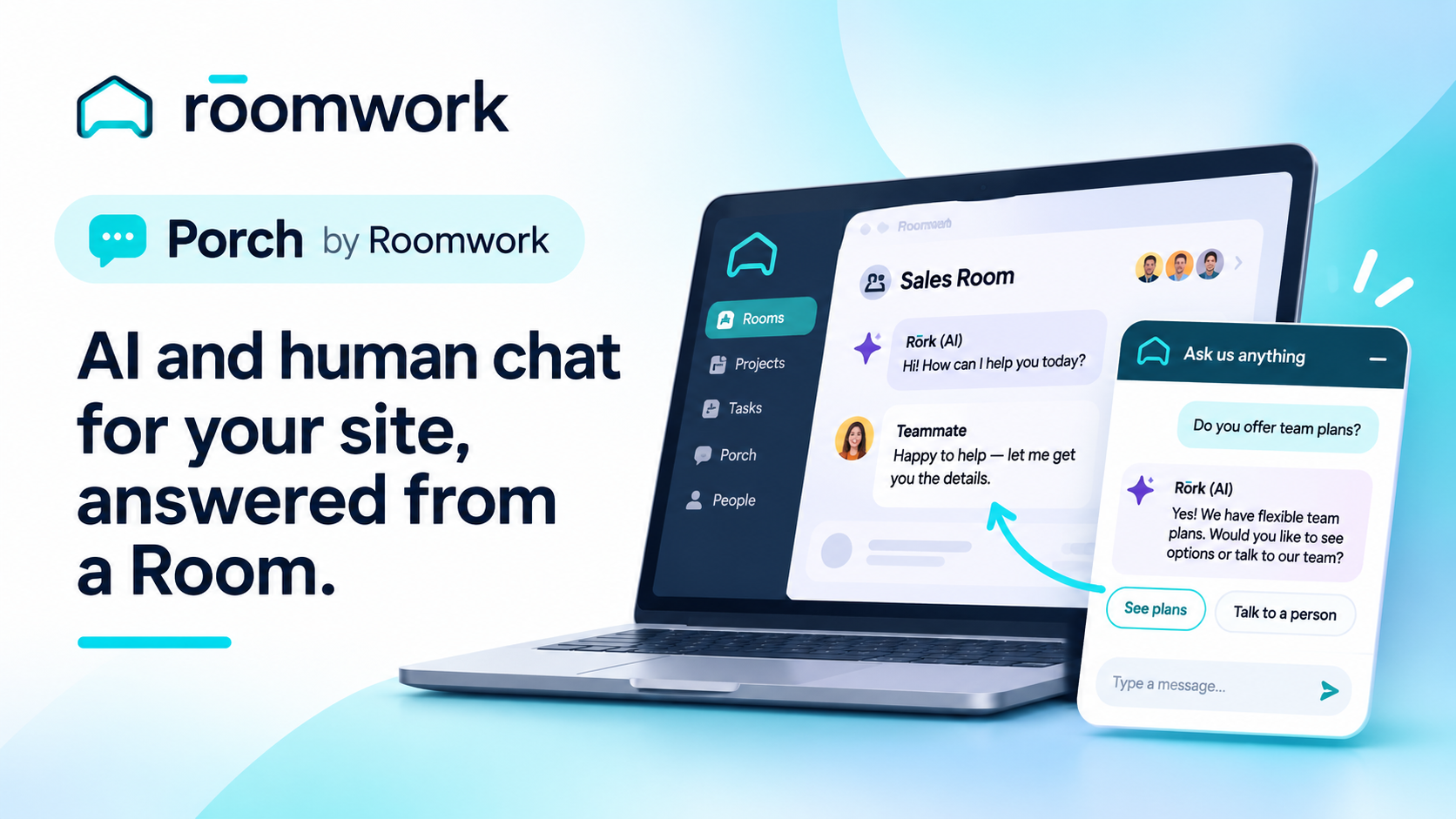
Porch by Roomwork: AI and human chat for your site, answered from a Room
A chat widget is easy to add and hard to keep answered. Messages pile up in a separate inbox that nobody opens, visitors wait, and leads go cold.
Porch by Roomwork sends every website conversation into a Room. Your team answers where it already talks about the work, and an AI assistant handles the first reply.
What Porch is and how a conversation flows
Porch is a small chat card that sits on your website. It starts as a slim "Ask us anything" pill, opens to suggested questions, then grows into the full conversation. It is one script tag, and its styling is isolated, so your site's CSS cannot break it.
Here is what happens when a visitor says hello:
→ The visitor types a message on your site.
→ Roomwork posts a new message in the Room you linked to that Porch, and the visitor's replies arrive in its thread.
→ Your team answers from the Room. The visitor sees the reply in the widget.
→ Internal chatter in the same thread stays invisible to the visitor. A teammate has to use an explicit Reply to visitor for anything to reach them.
Each conversation is labeled with a running number and the page title the visitor was on, so your team knows what they were looking at.
Where routing chat into a Room pays off
Because each Porch is linked to one Room, you decide who sees which visitors. Here are the setups teams reach for first.
→ Sales: point the pricing and product pages at a Sales Room. Every new visitor becomes a thread the whole team can see, claim and discuss. Paying.co runs its own Porch this way, with conversations landing in its sales Room.
→ Customer service: give support its own Porch and Room, so questions from existing customers never get buried under sales leads.
→ Engineering questions: on a developer or integration page, route chat to the Room where your engineers already talk, so a technical question reaches the person who can answer it.
→ Several brands or sites: each site gets its own Porch, theme and allowed origin, and each can feed a different Room.
→ After hours and quiet pages: the leave-a-message form drops a team-only post in the Room, so nobody has to watch a live chat to catch a lead.
Why a Room instead of a separate inbox: the team can discuss a visitor in the thread without the visitor seeing it, pull in a colleague by mentioning them, and keep the answer next to the project, files and tasks it relates to. Each chat shows the page the visitor was on, so context is already there when someone picks it up.
Setting it up in four steps
Setup happens in Settings, under Integrations, in the entry named Porch by Roomwork (Chat).
→ Create a Porch and give it a name. Its slug is generated from the name and never changes.
→ Pick the Room where conversations should land.
→ List your allowed origins, the exact https addresses of the sites that may show the widget.
→ Paste one script tag into your site:
<script src="https://porch.roomwork.co/porch.js" data-porch="your-slug" async></script>
Add data-position="right" if you want the card on the right edge instead of centered at the bottom.
Optional settings: up to six starter buttons for first questions, one of ten Roomwork themes (default, ocean, forest, eggplant, mist, sakura, tangerine, berry-pop, spearmint, electric-blue), a notification sound, and how many days conversations are kept, 90 by default.
The Room you link must belong to your Workspace, must not be archived or a direct message, and must be one the Porch service account can post in. Roomwork checks this when you save.
AI first, humans when it matters
Rōrk, Roomwork's AI, can answer the first questions so visitors are not left waiting. It is off by default for every Porch, and you switch it on per Porch.
What keeps it trustworthy:
→ It answers only from content you approve: the sitemaps and llms.txt files on the hosts you list, up to 300 pages, refreshed by a daily crawl.
→ It tells visitors it is an AI.
→ It never quotes prices, promises dates or gives legal advice. Those go to your team, and a "visitor is waiting" alert goes out.
→ Simple rules route visitors who ask for a person, and obvious spam, without spending an AI reply.
→ It is capped at six turns per conversation, with short replies.
→ Once a teammate replies, Rōrk stays out of that conversation.
→ Each Porch has a daily limit on AI replies, 300 per UTC day by default.
The result is a first answer in seconds and a person for anything that needs judgment.
Spam, leads and more than one Porch
A public chat box attracts noise, so Porch defends itself in layers:
→ Only the origins you list can start a chat.
→ Limits apply per visitor: 5 new conversations per IP address every 10 minutes and 20 messages per conversation per minute.
→ Anything a stranger types is sanitized, and "@" is defused so it cannot ping your team.
→ The leave-a-message form has a hidden trap field for bots and allows 3 submissions per IP every 10 minutes.
Leave a message and email capture turn chats into leads. Those land as a team-only post in the Porch's own Room, and nothing is shown back to the visitor.
You are not limited to one Porch. A Workspace can run several, each linked to its own Room, for example one for sales and one for customer service, each with its own theme, starters and settings.
Privacy and controls
Visitors are strangers, so Porch is built to reveal as little as possible.
→ Each conversation has its own random token. Only a hash of it is stored, so a leaked database does not hand out live sessions.
→ A visitor sees only the messages meant for them: their own, replies from your team and replies from Rōrk.
→ Visitor and team text is rendered as plain text inside the widget, never as HTML.
→ IP address and browser details are kept only with the conversation record and are cleared after your retention period, 90 days by default and adjustable per Porch.
→ You can turn a Porch off at any time, and Rōrk is a separate switch.
Cost and who it fits
Porch is a separate paid add-on to Roomwork, not part of the core subscription. See roomwork.co for current terms.
It fits teams that already work in Roomwork and want website visitors to reach them where the work happens: sales and customer service teams, agencies, and product companies with a small team answering a steady stream of first questions. If nobody on your team uses Roomwork, a standalone chat tool may be simpler.
Try it
You can see Porch live on paying.co, where the chat card feeds a Roomwork Room that Paying.co's sales team answers from.
→ Learn more at roomwork.co.
→ Read the Roomwork guide for setup details.

Software executive with over three decades of experience. Focus primarily on the payment industry and FinTech technologies
