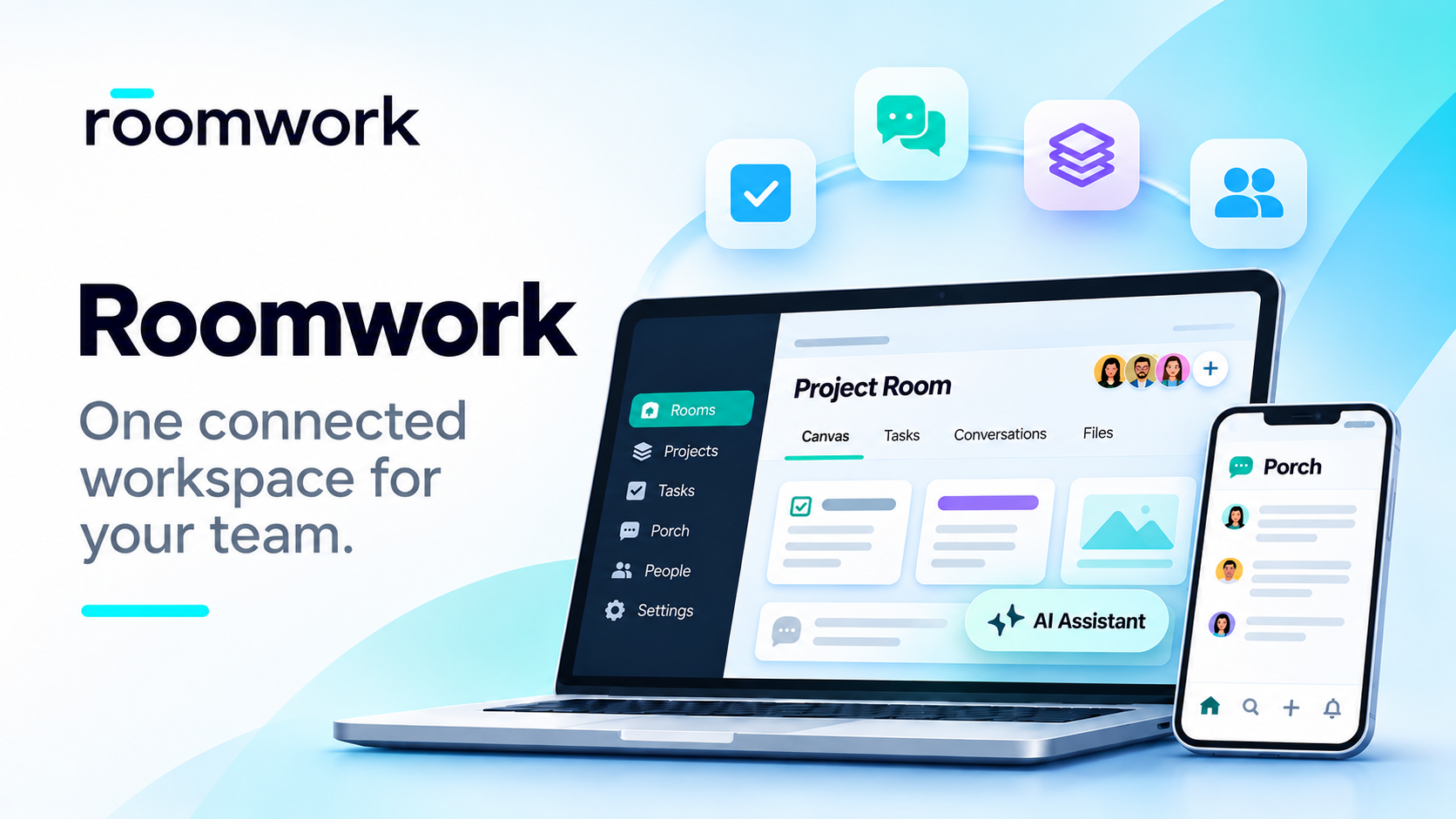
Most projects live in five places: chat in one tool, tasks in another, files in a drive, hours in a timesheet, and decisions in somebody's memory. Roomwork puts them in one place. Every project gets a Room, so anyone can see what is happening and why.
Paying.co built Roomwork for its own engineering and certification work and uses it every day. This is a tour of what it does.
One structure for every engagement
Roomwork organizes work in three levels: a Client, then a Project, then Tasks. There are no sub-projects, so nobody has to guess how deep to nest something.
Each project gets its own Room. The conversation, the files and the task board for that project sit side by side, so a new teammate opens one place and sees the whole story instead of hunting through five tools.
Task boards that start from a template
Tasks live on a board inside each project. When you add a project, Roomwork shows starter templates first, each with a short description, and a Create from scratch option underneath.
There are seven starters:
→ Development
→ Managed Certification
→ Development + Certification
→ Consulting
→ Change Request
→ Bug Fix
→ Scope Assessment
Already have a board? You can apply a template to it later instead of rebuilding from zero.
Rōrk, the AI inside the workspace
Rōrk is Roomwork's built-in AI. It works with the same Rooms, projects and rules your team does, rather than living in a separate chat window.
Two places where you can see it at work today:
→ On your website, Rōrk can answer first-time visitor questions through Porch, using only content you approve.
→ In Roomwork Time, Rōrk Intelligence flags time entries that look off, so an administrator reviews them with evidence instead of a hunch.
In both cases a person stays in charge of the outcome.
Calls, files, code and security without leaving the Room
→ Jams: a quick audio or video conversation inside the Room it belongs to, so the messages, tasks, documents and links it is about are already right there.
→ Canvas: the project's files in one list, with a filter box.
→ GitHub: the release-notes command turns a connected repo's activity into categorized items you review and edit, then publishes a document into the Room. Client users can generate them too, in a client-friendly version.
→ Flaw.co: an admin links a Flaw project to a Room, and Sten, the Flaw.co agent, can report what is open and start a Detect scan on a domain or a Code review on a repository from the same chat.
Integrations built in
Most integrations live in one place: Settings, then Integrations. The ones you can use today:
→ Attio: when records, notes, tasks or list entries change in your CRM, the change posts into a Room of your choice the moment it happens, under its own sender. A changed field shows its previous and new value, and notes show a title and a short preview. An admin picks the Room, then chooses which events to send in Attio's webhook settings.
→ Castum: connect it once for the whole Workspace and choose Read only, so it can look things up, or Read and manage, so it can also make confirmed changes. If the sign-in expires, the row says Needs reconnecting and an admin reconnects it.
→ Google Meet: type /meet in a Room to start a Meet from the conversation.
→ GitHub: generate release notes from a connected repo's activity and publish them into the Room.
→ Flaw.co: link a Flaw project to a Room and ask Sten for what is open, or start a security scan or code review.
→ Benchmark: Paying.co's own effort-estimation engine can return an hours estimate from a Room.
Agents such as Astrid are switched on per Workspace under Settings, Integrations, Agents, and a manager sets each agent's access level on every project, from observing only to posting routine updates. Nothing acts on a project you have not opened to it.
Email in, work out
Email is where a lot of work starts, so Roomwork gives it a place to land. Every person has a private My Inbox with an address of their own, ending in @rork.co. Forward an email to it from Gmail, Outlook or anywhere else and it arrives with its attachments, visible only to you. You can decide later what to do with it.
Staff also share a Team Inbox for the help address, so requests sent to your support mailbox reach the whole team instead of one person's overflow.
Add-ons: Time and Porch
Two parts of Roomwork are separate paid add-ons rather than part of the core subscription:
→ Roomwork Time: time tracking, screenshots with an audit workflow, budgets and caps, and payroll and project reports, tied to the same projects your team already works in.
→ Porch: AI and human chat for your website, with every conversation landing in a Room of your choice.
Each has its own article in this series.
How Paying.co uses it, and who it fits
Paying.co is a payment engineering firm: EMV Level 3 certification, custom Android payment apps, SoftPOS and PCI work. All of that work is planned, discussed and tracked in Roomwork, and its clients see their projects there too. Paying.co engagements include Roomwork, and Roomwork can also be subscribed to on its own. Details are on the Paying.co Roomwork page.
Roomwork fits teams that run client or project work and are tired of stitching chat, tasks, files and hours together. It suits agencies, consultancies, engineering and certification teams, and any group that shares a project with outside clients.
Try it
→ Visit roomwork.co to get started.
→ Read the Roomwork guide for a walkthrough of Rooms, boards, templates and the rest.
→ Want the details on website chat or time tracking? See the Porch and Roomwork Time articles in this series.

Software executive with over three decades of experience. Focus primarily on the payment industry and FinTech technologies