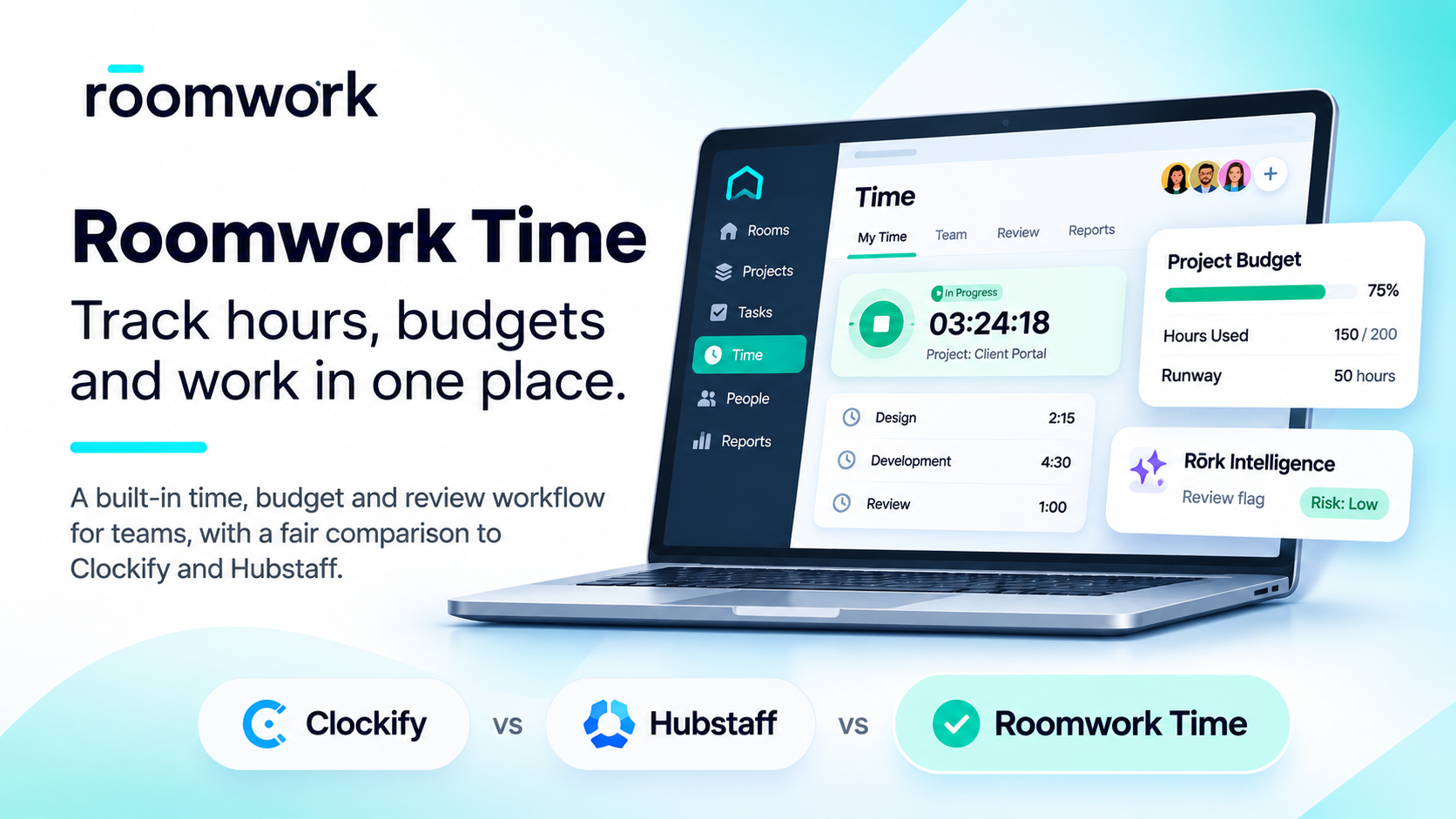
Disclosure first: Roomwork Time is our product. We built it to replace the Clockify integration we used ourselves, and we compare it fairly with Clockify and Hubstaff below.
Hours usually live in a timesheet app, tasks in a project tool, and budgets in a spreadsheet. Someone reconciles the three at month end, and the numbers rarely match. Roomwork Time tracks hours where the work already happens, so a project's hours, people and budget sit in one record.
What Roomwork Time does
The basics are what you would expect: people clock in and out against a project, and a heartbeat keeps the session honest. When someone goes idle, a prompt asks them to extend or stop. Only one session can be open per person at a time.
What sets it apart is where the rules live. Enforcement runs on the server, not in the desktop app, and every clock-in re-runs live checks against current caps and budgets. Nothing is cached from the last call.
→ Each person has a worker profile, marked employee or contractor, with rates per project.
→ Daily and weekly hour caps can be set per person and per project, and a cap that is reached blocks the next clock-in.
→ Team members see their own entries. People with the time admin permission see the rollup across the team.
Screenshots and the review workflow
The desktop app captures screenshots while a session is running and uploads them to the entry the person has open. Uploads are limited to that person's own live session, and each image is stored against its capture time.
Review is limited to administrators. Roomwork's Rōrk Intelligence can flag an entry with a risk score, a plain-language reason, and indicators such as idle percentage, keystrokes and mouse events, with the screenshots that back it up. An admin then resolves the flag in one of four ways:
→ Valid time
→ Valid with note
→ Exclude time
→ Escalate
Only Exclude time pulls the hours out of payroll and billing totals. Every resolution is logged.
Deleting a screenshot is always a soft delete that records who removed it and why. A retention job handles permanent removal, and it respects holds placed for disputes.
Budgets and caps that act before the overrun
Budgets are part of the project, so you do not reconcile them in a spreadsheet. A project can be governed by one of three mechanisms:
→ A retainer (MSA) with included hours and rollover
→ An hour cap, with its own reset cadence
→ A dollar budget
For project-based work you choose whether the hour cap or the dollar budget is live, so the two do not fight each other.
Roomwork logs when a person or project crosses 25, 50 and 75 percent of a daily or weekly cap, so repeated near-misses are a query rather than a surprise. Budget position also reports 50, 75 and 99 percent crossings for hours and for dollars, and dollar runway alerts fire as a budget is consumed.
Who sees what is decided on the server:
→ Rates, cost and margin are visible only to people with the time admin permission.
→ Hours used and remaining are visible to the team only if the project's show-to-team toggle is on.
→ Client users never see budget numbers.
Admin views, corrections and reports
Administrators with the time admin permission get the team rollup, pay-period summaries and the audit queue in one place. Hours from a person's work across Workspaces are counted together for payroll and reports.
Corrections are traceable: edits to a time entry are written to an edit audit trail, and an audit resolution records who decided what.
Reports are deliberately focused. There are five views:
→ People
→ Projects
→ Clients
→ Tasks
→ Payroll periods
Pick this week, last week, a month, a custom range or a pay period, filter billable or non-billable, and download as CSV, Excel or PDF. Cost is always available. Billable amounts and margin appear wherever a billable rate is set, and regular and overtime hours are split by the weekly cap.
How it compares with Clockify and Hubstaff
Both are mature products. As of November 22, 2026, from their own pages: Clockify plans and Hubstaff plans. Prices are per user per month and change, so check before you buy.
| Clockify | Hubstaff | Roomwork Time | |
|---|---|---|---|
| Starting paid price | $3.99 annual, $4.99 monthly (Basic) | $4.99 annual, $7 monthly (Starter) | Separate add-on, see roomwork.co |
| Free tier | Yes, up to 5 users | Not covered here | No |
| Screenshots | Pro and up, from $7.99 annual | Capped at 500 per user per month on Starter, 1,500 on Grow, unlimited on Team | Captured by the desktop app, reviewed by admins |
| Project budgets | Budget estimates in paid plans | Grow and up, from $7.50 annual | Retainer hours, hour caps or dollar budgets, with alerts |
| Payroll and reports | Reports, exports | Payroll on Team, from $10 annual | Five reports, pay periods, CSV, Excel and PDF |
| Tasks and team chat in the same product | Separate products (Plaky, Pumble in a bundle) | Tasks as an add-on | Included in the same Workspace |
Where they are stronger: Clockify has a free plan and kiosk and GPS options. Hubstaff has deeper activity tracking, app and URL tracking, and a long list of integrations.
Where Roomwork Time fits: teams that already plan and talk in Roomwork and want hours, budgets and conversations in one record. If you only need a timer and your tasks live elsewhere, a dedicated tracker may suit you better.
Cost and who it fits
Roomwork Time is a separate paid add-on to Roomwork, not part of the core subscription. See roomwork.co for current terms.
It fits services teams, agencies and engineering shops that bill by the hour, work with contractors, or run retainers and capped projects, and that already plan work in Roomwork. If you do not use Roomwork, one of the dedicated trackers above may be the better fit.
Try it
→ Learn more at roomwork.co.
→ Read the Roomwork guide for how time tracking, projects and budgets fit together.

Software executive with over three decades of experience. Focus primarily on the payment industry and FinTech technologies