Vending Telemetry Starts at the Payment: What MDB Can Tell You
Approved is not the same as delivered. Learn how exposing MDB payment and vend events through an HTTPS API and webhooks gives operators telemetry they never had.
 Kevin Medina · November 6, 2026 · 3 min read
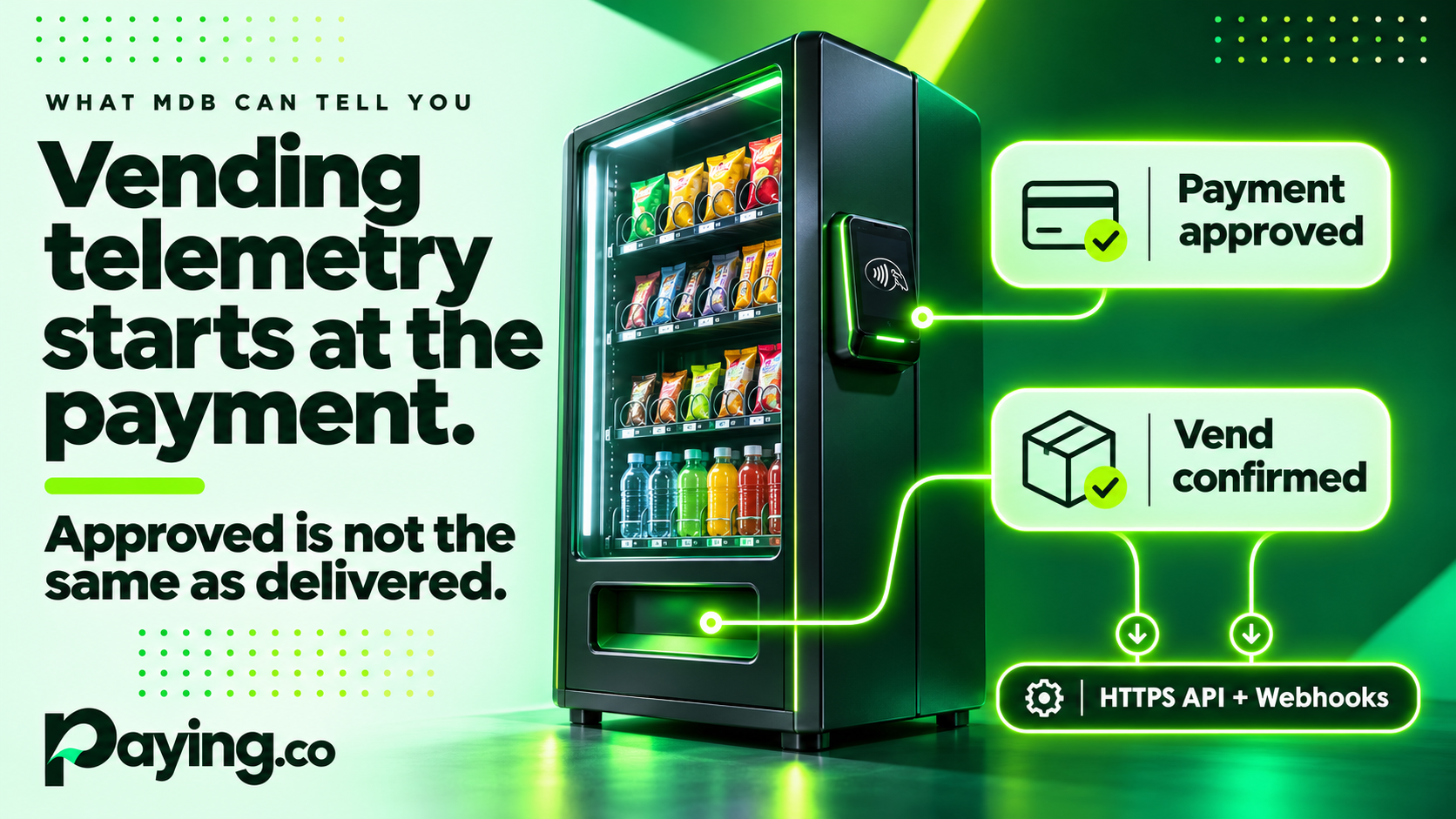
Most vending operators think of telemetry as a separate box on the machine. It reports stock levels, sales totals and temperature, usually on a schedule. That data matters, but it leaves out the part of the business where the money moves: the payment and the vend.
Here is the gap. A card gets approved. The machine is told to vend. Did the item drop? If the terminal timed out, did the customer get charged for nothing? Most fleets only learn the answer when a customer complains.
That payment-to-vend moment is exactly where MDB (Multi-Drop Bus) lives, and it is a rich source of telemetry that most operators never see.
What MDB already knows
MDB is the serial protocol that connects many vending machines, kiosks and unattended devices to their cashless payment peripherals. The machine controller and the payment device are in constant conversation: polling, state changes, vend requests, vend results. Every step is a data point.
The problem is that this conversation stays on the bus. Reading it normally means writing and maintaining an MDB state machine, which is specialized work.
Putting it behind an API
MDB by Paying.co puts one HTTPS API in front of the serial bus. Your application talks JSON and webhooks, and the connector handles the polling, the state machines and the vend control for supported equipment.
For telemetry, three pieces matter:
▸ Webhooks. Transaction events arrive as JSON: approved, declined, vend complete, device reset and processor timeout.
▸ Device status. Query connected devices for address, level, state and last transaction.
▸ Audit trail. Bus traffic and API calls are logged, which helps when you are troubleshooting a machine in the field.
Approved is not the same as delivered
This is the most useful distinction in unattended payments. A payment approval does not prove an item was delivered. Sending a vend command does not prove it either. There are three separate events:
- Authorization: the processor approves or declines.
- Vend request: the connector authorizes the machine to vend.
- Vend result: the machine reports success or failure, where its interface supports it.
When your system sees all three as separate events, you can spot the ambiguous cases: approved but the machine never started, or a device that reset mid-transaction. Those are the ones that create refunds, disputes and angry customers. What you can confirm depends on the feedback your machine provides, so the quality of the data varies by equipment.
What operators can do with it
▸ Find problem machines faster. A device that keeps resetting or throwing processor timeouts shows up in the event stream before the support tickets arrive.
▸ Reconcile with confidence. Matching approvals to vend results makes it much easier to catch charges with no delivery.
▸ Build your own dashboard. Webhooks let you feed events into the tools you already use, instead of waiting on a vendor portal.
▸ Debug with evidence. When a customer says the machine took their money, the audit log gives you the sequence.
What this is not
MDB payment telemetry does not replace your machine's own telemetry unit. Stock levels, temperatures and audit data come from the machine itself. This is the payment and vend layer, and the two views work best together.
It also does not promise to work with every MDB machine. Compatibility is confirmed per deployment, covering make, model, controller, payment device and processor. If you are not sure, check compatibility with our team first.
Getting started
MDB is licensed per device at $29.95 per year. Two connectors are available now: Datacap, for terminals using NETePay and dsiEMVUS, and PAX, for terminals running BroadPOS on A-series and Aries hardware. The path is simple: check requirements, license a connector, install and configure it, then test and deploy.
For custom engineering beyond the product, such as an application, a backend or a controller adapter, see our Unattended Payment Systems guide.
Not sure your equipment is supported? Contact our team.
Software executive with over three decades of experience. Focus primarily on the payment industry and FinTech technologies