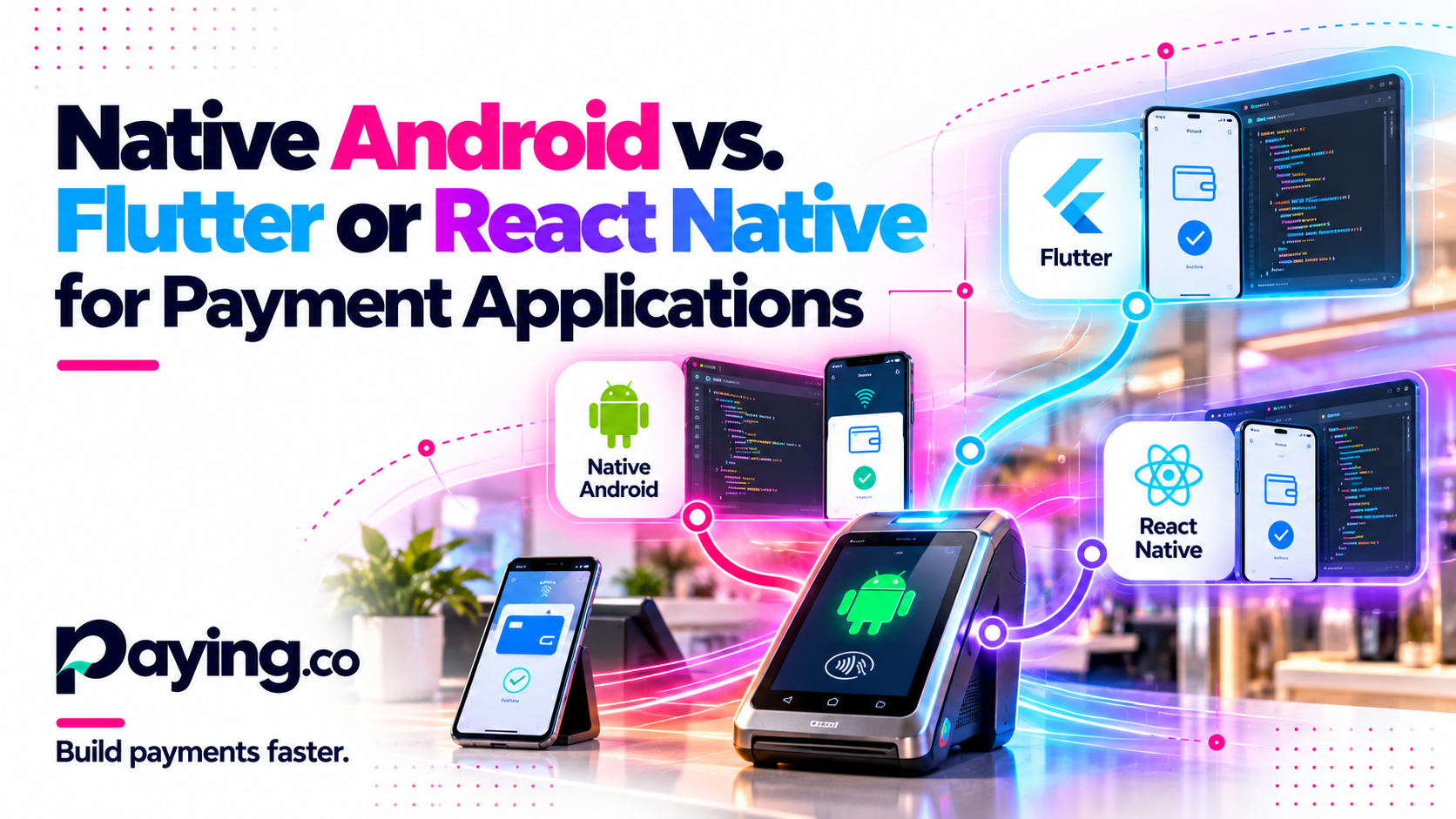
Use native Android when your app runs on a dedicated payment terminal or depends on a vendor SDK. Consider Flutter or React Native for consumer checkout apps where the processor offers a supported SDK or plugin. The deciding factor is rarely the UI framework. It is who owns the payment SDK, the secure hardware, and the certification scope.
This guide compares the options on the points that matter for payments, then walks through three hypothetical architectures.
Two different problems
Consumer mobile checkout and dedicated Android terminals are often treated as one project. They are not.
▸ Consumer checkout: a customer's own phone, usually iOS and Android, paying through a processor SDK or hosted fields. Cross-platform frameworks are a reasonable fit when the processor supports them.
▸ Dedicated terminals: payment hardware running Android, with a vendor SDK for the card reader, printer, and secure PIN entry. Android is the only target, and the vendor SDK is usually delivered as a native Android library.
Comparison by requirement
| Requirement | Native Android (Kotlin or Java) | Flutter | React Native |
|---|---|---|---|
| Vendor terminal SDK access | Direct use of the vendor library | Platform channels to native code you write | Native modules you write |
| Processor SDK for consumer checkout | Direct use of the native SDK | Official plugin if offered, otherwise a native bridge | Official package if offered, otherwise a native bridge |
| Kiosk mode, device services, background work | Full Android API access | Native code needed | Native code needed |
| Performance on payment hardware | Closest to the device | Usually fine for checkout screens, test on target hardware | Usually fine for checkout screens, test on target hardware |
| Maintainability | One toolchain, Android only | One UI codebase plus a native bridge to maintain | One UI codebase plus a native bridge to maintain |
| Vendor restrictions | Follow vendor rules directly | Bridge must respect the same rules | Bridge must respect the same rules |
| Certification impact | Review UI and SDK changes | Review UI, bridge, and SDK changes | Review UI, bridge, and SDK changes |
Cross-platform frameworks save duplicate UI work only when the same app ships to more than one platform. A terminal app that runs on Android only gets little of that benefit and still pays for the bridge.
Certification scope follows how card data flows and which payment kernel and SDK handle it, not the UI framework. Whatever you choose, confirm with your processor or lab how UI and bridge changes are assessed. See the Paying.co guides for background on EMV levels.
Three architecture scenarios
These are hypothetical scenarios for illustration, not client examples.
▸ Scenario A, dedicated terminal from one vendor: a native Kotlin app wraps the vendor SDK, keeps the UI thin, and talks to your backend and processor host. Fewest moving parts, and the closest fit to how the vendor documents the SDK.
▸ Scenario B, consumer checkout on iOS and Android: a Flutter or React Native app uses the processor's supported plugin, with a small amount of native code for anything the plugin does not cover. Check how actively the plugin is maintained before committing.
▸ Scenario C, terminals plus a merchant companion app: the terminal app stays native, while a cross-platform companion app for reporting and settings shares the same backend API. Each app follows the approach that suits its hardware.
FAQs
Can Flutter or React Native run on a payment terminal?
Terminals run Android, so it is often technically possible. In practice the vendor SDK, kiosk behavior, and secure screens still need native code, and the vendor may have rules about supported approaches. Confirm with the vendor first.
Does cross-platform change certification?
Certification scope follows the payment kernel, the SDK, and how card data flows. It is not decided by the UI framework. Bridge code and UI changes should still be reviewed with your processor or lab.
Which option costs less?
It depends on how many platforms you ship and how much native bridging the SDKs require. For Android-only terminals, cross-platform rarely saves much.
Will vendor SDK updates break a bridge?
They can. Budget time to retest the bridge whenever the SDK, the framework, or Android versions change.
Next step
If you can share your target hardware, current software stack, processor, and project requirements, we can talk through which approach fits and where the risks are. Start at the mobile app development page.
Sources
▸ Flutter documentation: platform channels

Software executive with over three decades of experience. Focus primarily on the payment industry and FinTech technologies